When this helps
A signed PDF can still raise several different questions: are signature bytes present, do the covered bytes match the signature, were bytes added later, and do you trust the signer? These are separate checks. A typed name or signature image is not a digital signature.
Try it in the checker
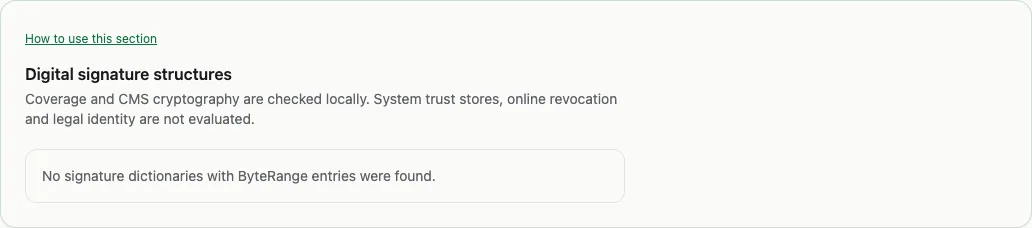
After loading a file, choose Everything, then Signatures in Explore this PDF. Read the cryptographic result and its detail together. Byte coverage describes the ranges included by the signature. Later bytes indicates data appended after the signed extent.
A supported CMS signature may verify locally. Certificate trust and revocation are not checked, and timestamp tokens are not verified against the PDF message imprint. Unsupported or not checked should remain unknown; do not reinterpret them as invalid.
Read the result in context
Consider a PDF signed and then saved again to add another signature. Later bytes can be present even though the first signer’s covered bytes still match. That result is not the same as saying the whole current file was signed by the first signer.
Likewise, a cryptographically matching signature using an untrusted certificate can establish a relationship between bytes and a key without establishing a trusted person’s identity. The checker reports the narrower observation.
What this cannot establish
This checker does not provide certificate-chain validation, online revocation checks, trusted timestamp validation or an approval of permitted changes. For a trust decision, use a verifier with the relevant trust policy and certificate sources. Editing or cleaning creates changed bytes and can invalidate existing signatures. Save a report of the original before making a working copy.